
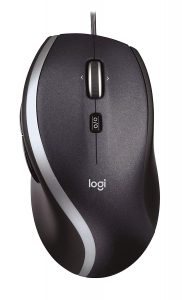
Recently a coworker of mine purchased a Logitech M500 corded mouse on Amazon. Its relatively inexpensive at $24.99 and perfect for office use. As you can see from the image below, its a nice size mouse with a few extra buttons. I believe Logitech has been selling them for years.
 Now I get why amazon has frustration free packing!
The mouse came in retail packing and upon cutting open the sealed packing he accidentally cut the USB connection off the mouse. He immediately tossed the mouse in the trash and proceeded to order a second. I saw this and said, hey don’t toss the mouse, let me attempt a repair.
Easy Mouse Repair
I considered soldering the wire back together, but that would prove to be messy and there would be a large bulge close to the base of the mouse. My second idea was simply to replace the entire USB cable from an older mouse that was sitting in my parts bin.
STEP 1 – Open the mouse
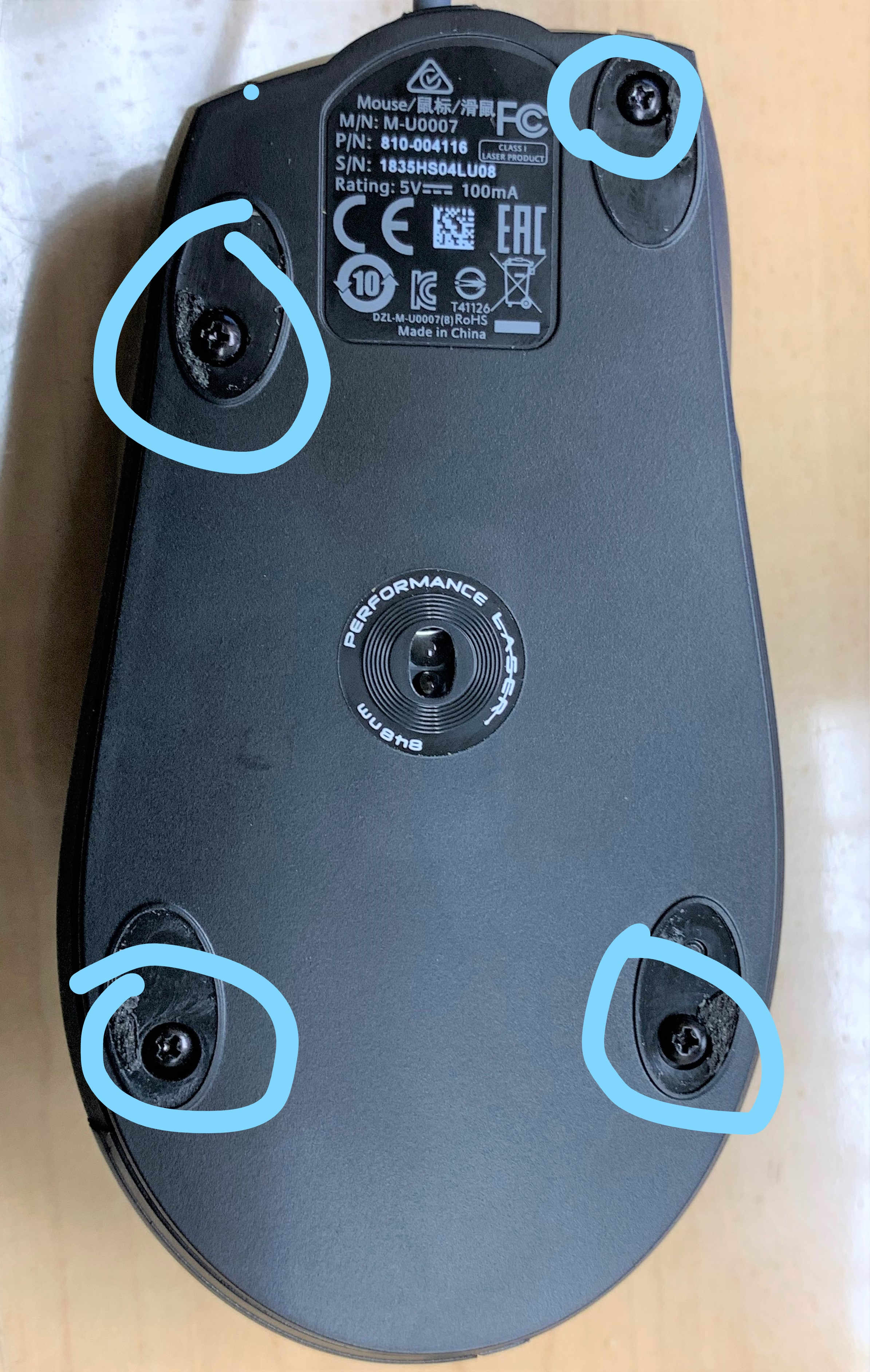 The Logitech M500 has the screws hiding under the 4 pads on the bottom of the mouse. Remove the 4 pads carefully and set aside. Then remove the 4 black screws to gain access to the mouse.
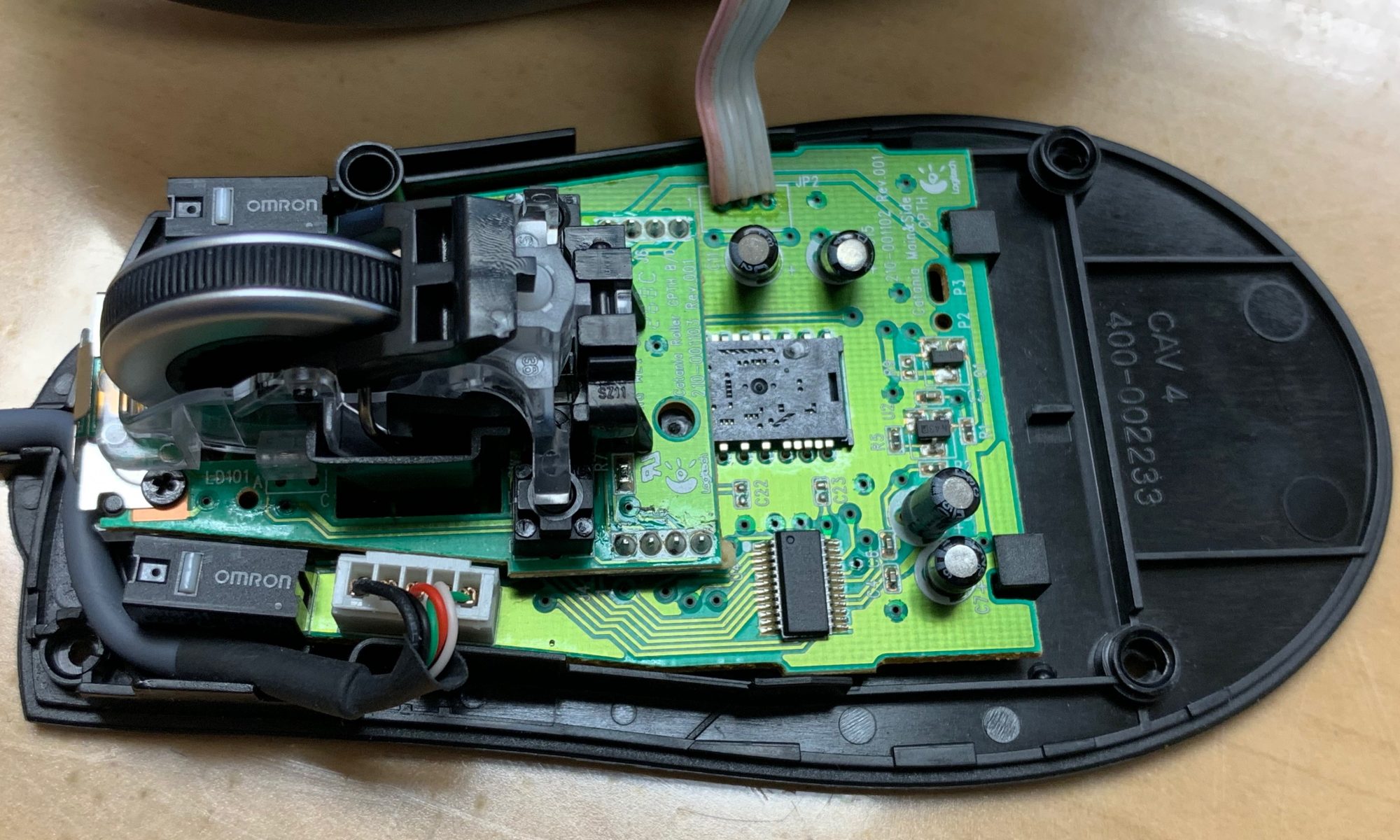
Carefully pry the top of the mouse away from the base to revile the internal components .



 I’m Joe hacker and I have just installed malware on one of your employees workstations. I have quickly gained access and I am now able to execute code and commands. What is the first thing I’m going to do? If you said start poking around you would be correct. After I look for anything of value on my host computer I will quickly begin scanning the subnet looking for hosts that are alive. I will also begin mapping the network for services that are possibly vulnerable to attack. This is where the Honey Pot fits in. It has been patiently siting on your network waiting for someone to direct a packet of data in its direction and alert you to possible trouble.